
Is it frustrating when password reset or order confirmation emails land in your users' Spam folder? Or never arrive at all? A transactional email service fixes that. It sends your website's automatic emails from servers with a good reputation, so they reach the inbox.
The catch: free plans change all the time. Since we first published this post in 2018, SparkPost, SocketLabs, Pepipost and SendGrid dropped their free plans. This update lists only services that still have a free plan, and re-checks each one against its official pricing page.
Quick answer: For most WordPress sites, start with Brevo (300 emails/day), Resend (3,000 emails/month) or Mailjet (6,000 emails/month). Need the most popular names? See the ranking below.
Why not send email from your host or Gmail?
Sending with your hosting (sendmail)
Most servers include a tool called sendmail. WordPress uses it by default through wp_mail(). The problem is that your emails often go to Spam or Junk, and your customers may never see them.
Whether a message lands in the inbox depends on your server IP and your domain setup. Your email gets flagged if the IP is on a blacklist. It gets flagged too if your domain has no valid SPF and DKIM records. Hosts also limit how many emails you can send at once, so bulk sending can fail.
Sending with Gmail SMTP
Gmail SMTP works with an SMTP plugin such as Falcon, and it is secure with OAuth 2.0. But Gmail limits you to about 500 emails per day for a personal account, and the sender always shows the Gmail account's name and avatar. That's fine for personal use. For a company, it looks unprofessional.
What is transactional email?
A transactional email is an email your website sends automatically because of something a user did (or didn't do). Examples:
- Email address confirmations and welcome emails
- Password resets
- Purchase receipts and invoices
- "Thank you for [some action]" messages
- Comment reply notifications
- Cart abandonment reminders
- App error alerts for developers
For example, when someone buys a Meta Box extension, our site sends the order details automatically. That is a transactional email. Marketing newsletters are different: you send them in bulk, on your schedule. If you collect subscribers with a form, see how to connect a subscription form to Mailchimp with MB Frontend Submission.
Why use a transactional email service?
- Better deliverability. These services run on reputable IPs and help you set up SPF, DKIM and DMARC.
- Higher limits. No hourly cap like Gmail, and you can scale as your site grows.
- APIs. You can send via SMTP, REST API or an SDK for your language.
- Tracking. You see delivery, open and click rates, bounces and spam complaints.
Free plans compared
Limits checked on official pricing pages in October 2026. Providers change them often, so confirm before you sign up.
| # | Service | Free allowance | Card needed? | Good for |
|---|---|---|---|---|
| 1 | Mailgun | 100 emails/day, 1 domain, 1-day logs | Yes | Developers |
| 2 | Brevo | 300 emails/day | No | WordPress sites, all-in-one |
| 3 | Mailjet | 6,000 emails/month, 200/day | No | Higher monthly volume |
| 4 | Postmark | 100 emails/month, forever | No | Testing deliverability |
| 5 | Resend | 3,000 emails/month, 100/day, 3 domains | No | Modern developer stacks |
| 6 | MailerSend | 500 emails/month, 1 domain | Yes | Templates and small sites |
| 7 | SMTP2GO | 1,000 emails/month | No | Simple SMTP relay |
| 8 | Elastic Email | 3,000 emails/month, 100/day | No | Low-volume sites |
The 8 services, ranked by popularity
How we ranked: no single audited source measures popularity, so we combined third-party estimates of customer share (6sense, Saleswhale, PeerSpot) with how often each service shows up in 2026 comparisons. Treat the order as a guide, not a fact. Popular services without a free plan (SendGrid, Amazon SES, Mailchimp Transactional) are not on this list.
1. Mailgun
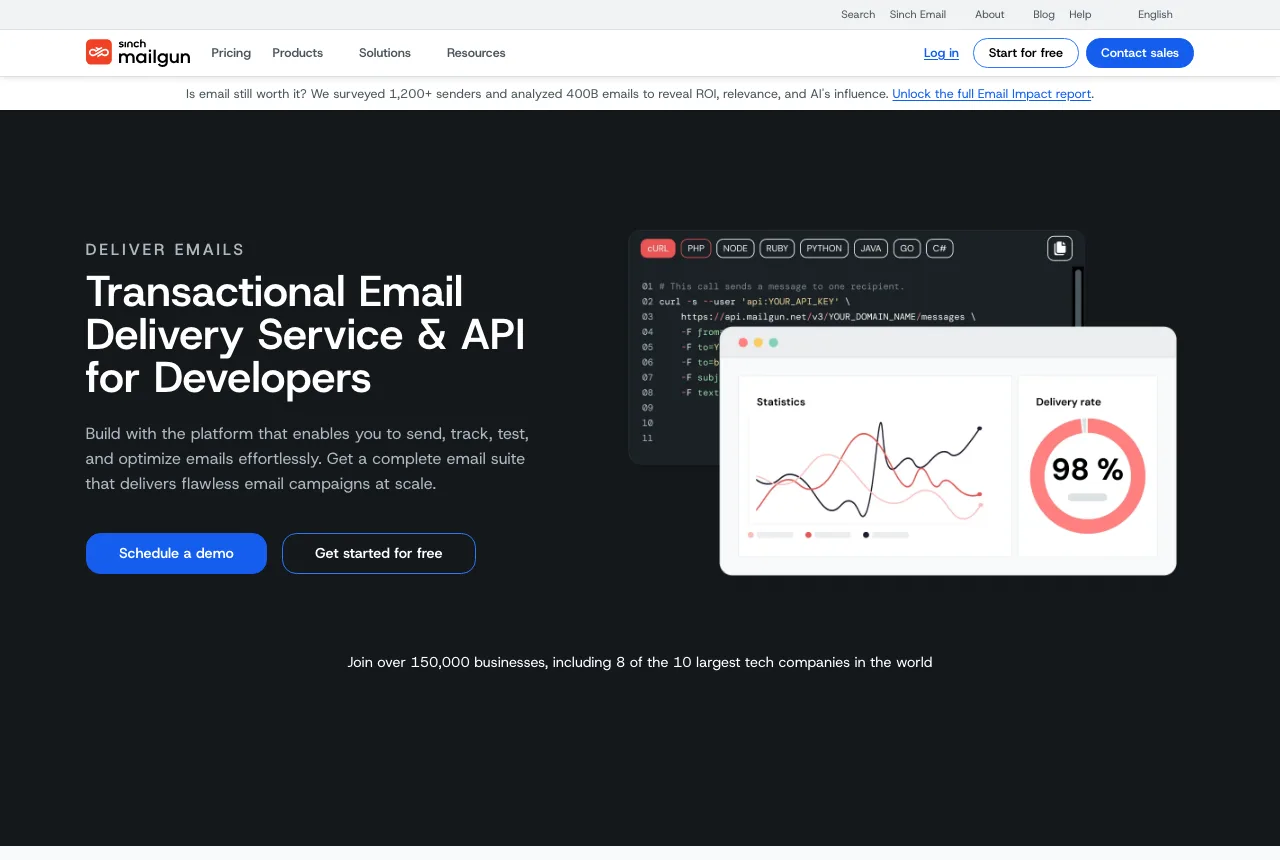
Mailgun is a developer-focused email API with strong routing and logging tools, and one of the most widely used services in this category.
- Free plan: 100 emails per day, 1 custom domain, 1-day log retention. In 2018 Mailgun offered a one-time 5,000 emails, so the free plan is different now.
- Best for: Developers who want a flexible API and are fine with a low daily cap.
2. Brevo (formerly Sendinblue)
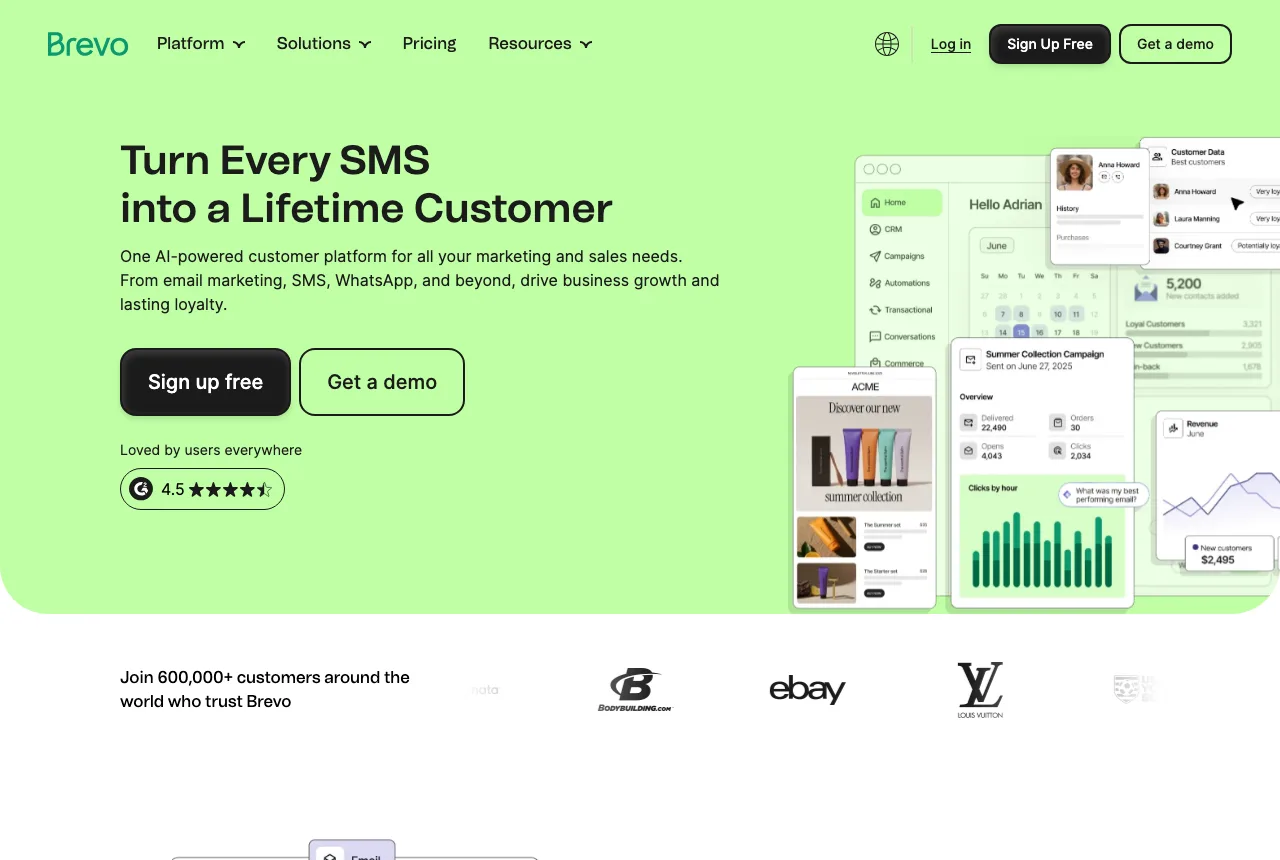
Brevo combines transactional email, marketing campaigns, automation and SMS in one dashboard. Its interface is clean and easy to learn.
- Free plan: 300 emails per day. The daily cap is the main limit. Free emails carry Brevo branding.
- WordPress: Official Brevo plugin.
- Best for: Small to medium WordPress sites that want transactional and marketing email together.
3. Mailjet

Mailjet focuses on email design and personalization. It has a drag-and-drop template builder and A/B testing.
- Free plan: 6,000 emails per month, capped at 200 per day, with up to 1,000 contacts. The Mailjet logo is removed only on paid plans.
- WordPress: Official Mailjet plugin.
- Best for: Sites that need more monthly volume than Brevo's daily cap allows.
4. Postmark

Postmark is known for fast, reliable delivery of transactional email. It keeps transactional and marketing mail on separate streams, and it searches message history for you.
- Free plan: 100 emails per month, no expiry, no overages. It is meant for testing and very small projects. Paid plans start at $15 per month for 10,000 emails.
- WordPress: Official Postmark plugin.
- Best for: Checking deliverability before you commit to a paid plan.
5. Resend

Resend is a newer, developer-friendly email API backed by Y Combinator. It has clean SDKs for most languages and frameworks, and a simple dashboard.
- Free plan: 3,000 emails per month, up to 100 per day, 3 custom domains, 30-day logs. Inbound emails count toward the quota.
- Best for: Developers building modern apps who want a pleasant API.
6. MailerSend
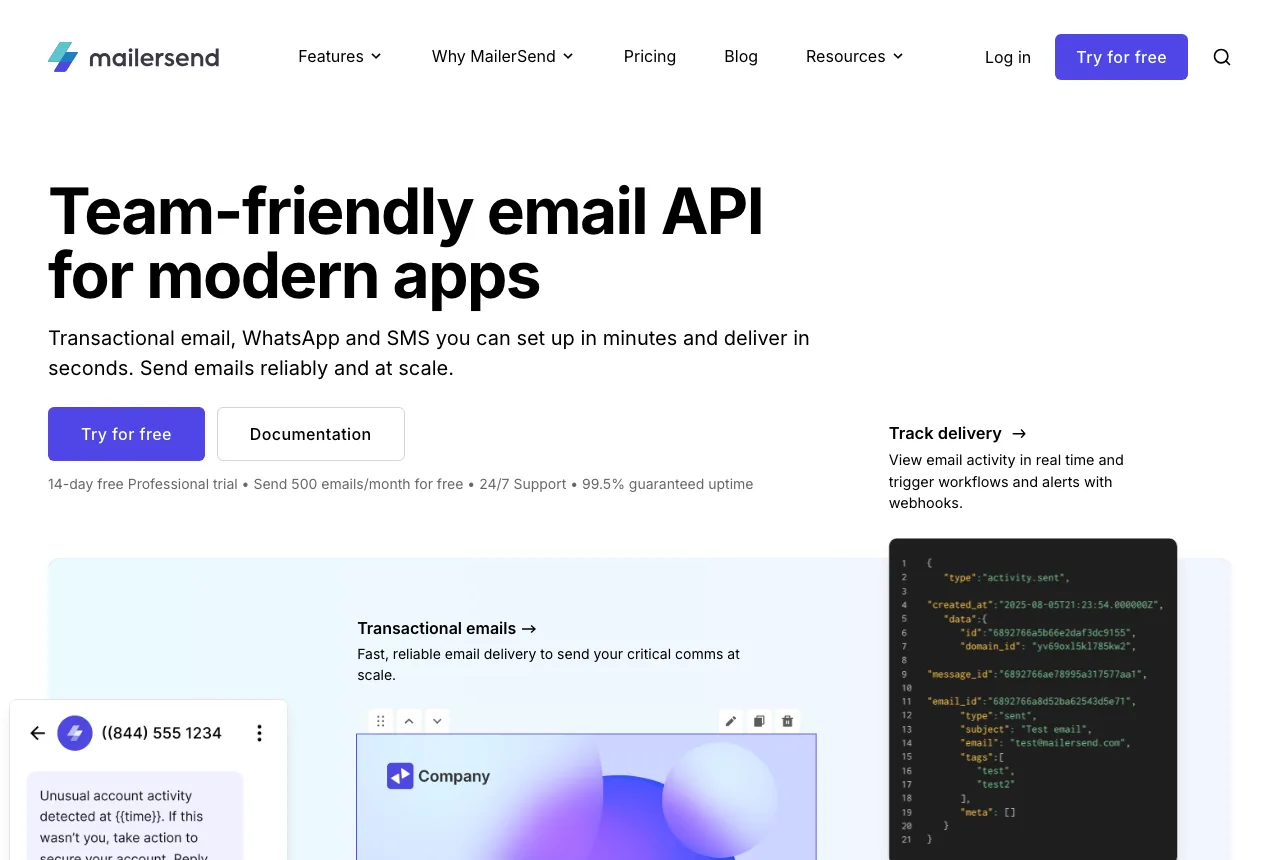
MailerSend, from the MailerLite team, handles transactional email with templates, webhooks and SMS.
- Free plan: 500 emails per month, 1 domain, 100 API requests per day, 1-day activity data. We previously listed 3,000 emails per month, but the current free plan is smaller. A credit card is required at sign-up, only to prevent abuse.
- Best for: Small sites that want a visual template builder.
7. SMTP2GO

SMTP2GO is a simple SMTP relay with delivery tracking and automatic DKIM/SPF setup.
- Free plan: 1,000 emails per month, no credit card. Paid plans start at $10 per month for 10,000 emails.
- Best for: Contact forms and low-volume notifications. Building one? See how to create a contact form with Meta Box.
8. Elastic Email

Elastic Email offers SMTP and API sending plus marketing tools, and it scales from small sends to very large volumes.
- Free plan: 3,000 emails per month, up to 100 per day, 1,000 contacts, 3-day logs.
- WordPress: Use the free Elastic Email plugin, or any SMTP plugin.
- Best for: Small sites that send a few emails a day.
Services that no longer have a free plan
These appeared in earlier versions of this post but no longer offer a free plan, so we removed them:
- SendGrid: now only a 60-day trial, then paid.
- Amazon SES: no free email quota, only AWS credits for new accounts.
- SparkPost: rebranded to MessageBird, no free plan.
- SocketLabs: no free plan.
- Pepipost: rebranded to Netcore Email API, no free plan.
- SendPulse: earlier versions listed 12,000 free emails per month. We couldn't verify this on SendPulse's current pages, so we removed it.
How to choose
- Just want it to work on WordPress? Brevo or Mailjet. Both have official plugins.
- Need volume above 200 emails/day? Mailjet (6,000/month) or Resend (3,000/month).
- Developer building an app? Resend or Mailgun.
- Want to test inbox placement first? Postmark's 100 free emails are enough to check.
Whatever you pick, free plans have caps. A launch day or a viral post can pass a 100-per-day limit fast, so track your usage and plan an upgrade.
Sending email is also part of growing your site. For ideas on what to send and to whom, read our guides on the best WordPress lead generation plugins and the best WordPress contact form plugins.
How to connect one to WordPress
- Create an account with the provider and verify your sending domain.
- Add the SPF, DKIM and DMARC DNS records it gives you.
- Install an SMTP plugin like Falcon, or the provider's official plugin.
- Enter your API key or SMTP credentials, then send a test email.
- Watch the provider's dashboard for bounces and spam complaints.
Don't skip step 2. Without DNS authentication, even good providers can't keep your email out of Spam.
Frequently asked questions
What is the best free transactional email service?
It depends on your volume. Brevo gives the most sends per day (300), Mailjet the most per month (6,000), and Resend a good developer experience with 3,000 per month.
Is there a free transactional email service with no limits?
No. Every free plan has a daily or monthly cap. Self-hosted options like Postfix remove the cap, but you manage IP reputation, DNS and abuse prevention yourself.
Is SendGrid still free?
No. New accounts get a 60-day trial of 100 emails per day, then need a paid plan.
What is the difference between transactional and marketing email?
Transactional email is automatic and triggered by one user's action, like a receipt or password reset. Marketing email is sent in bulk to a list, like a newsletter. Some services, such as Brevo and Mailjet, handle both.
Can I use Gmail SMTP instead?
You can, but personal Gmail accounts are limited to about 500 emails per day, and the sender shows your Gmail identity. A transactional service is better for a business site.
Do I need a custom domain?
Yes. You need to send from your own domain and add SPF, DKIM and DMARC records for good deliverability.
Conclusion
A transactional email service is the most reliable way to get your website's emails into the inbox. For small WordPress sites, Brevo, Mailjet and Resend have the most useful free plans in 2026.
Free plans change often. If you see a change we missed, leave a comment so we can update this post.

 Gumroad vs. FastSpring: Which E-commerce Platform is Best for Selling WordPress Plugins?
 Best WordPress Plugins for Lead Generation
 Best WordPress Contact Form Plugins
Try zeptomail. I use for my application and working fine . Try evaluating it too